Last updated: October 2026
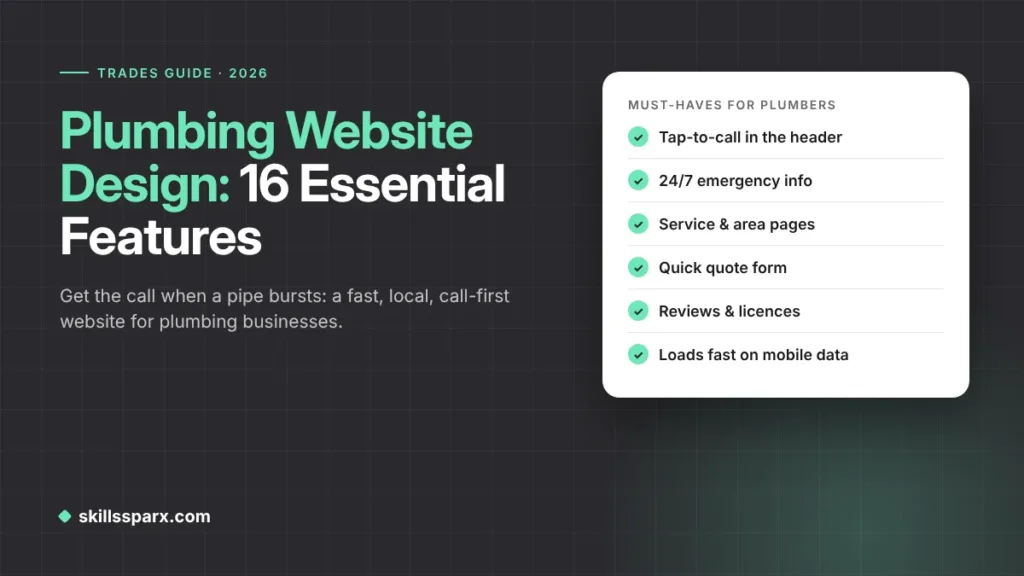
Quick answer: Good plumbing website design is fast, local and built to get the phone ringing. The 16 essential features include a prominent tap-to-call number, mobile-first layout, separate service and area pages, a short quote form, emergency information, genuine reviews, before-and-after photos, local SEO and fast loading speed. When someone has water pouring through the ceiling, your website has seconds to convince them to call you.
Plumbing is one of the most urgent services people ever search for. A burst pipe, a blocked drain or no hot water on a winter morning: nobody wants to scroll through a slow, confusing website. They want a local plumber they can trust, and a phone number they can tap right now.
Here are the 16 features every plumbing website needs, starting with the ones that win emergency calls.
Key takeaways
- Plumbing searches are often urgent and on mobile. Make calling effortless.
- Show you’re local and available: service areas, hours, emergency info.
- Separate service and area pages help you rank for specific searches.
- Reviews and real photos of your work build trust quickly.
- Speed matters: a slow site loses emergency customers.
What happens when someone needs a plumber
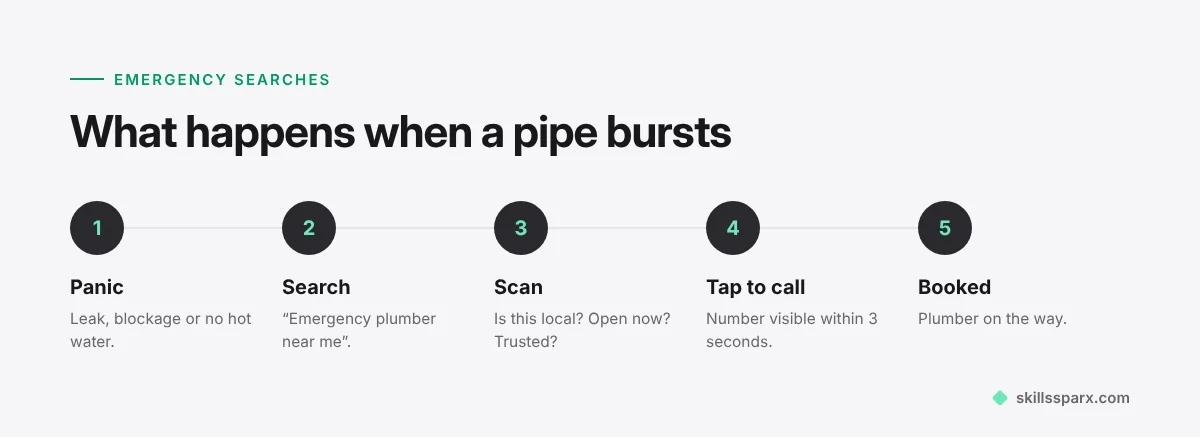
Every feature below supports that journey: get found, look trustworthy, make calling instant.
16 essential features of plumbing website design
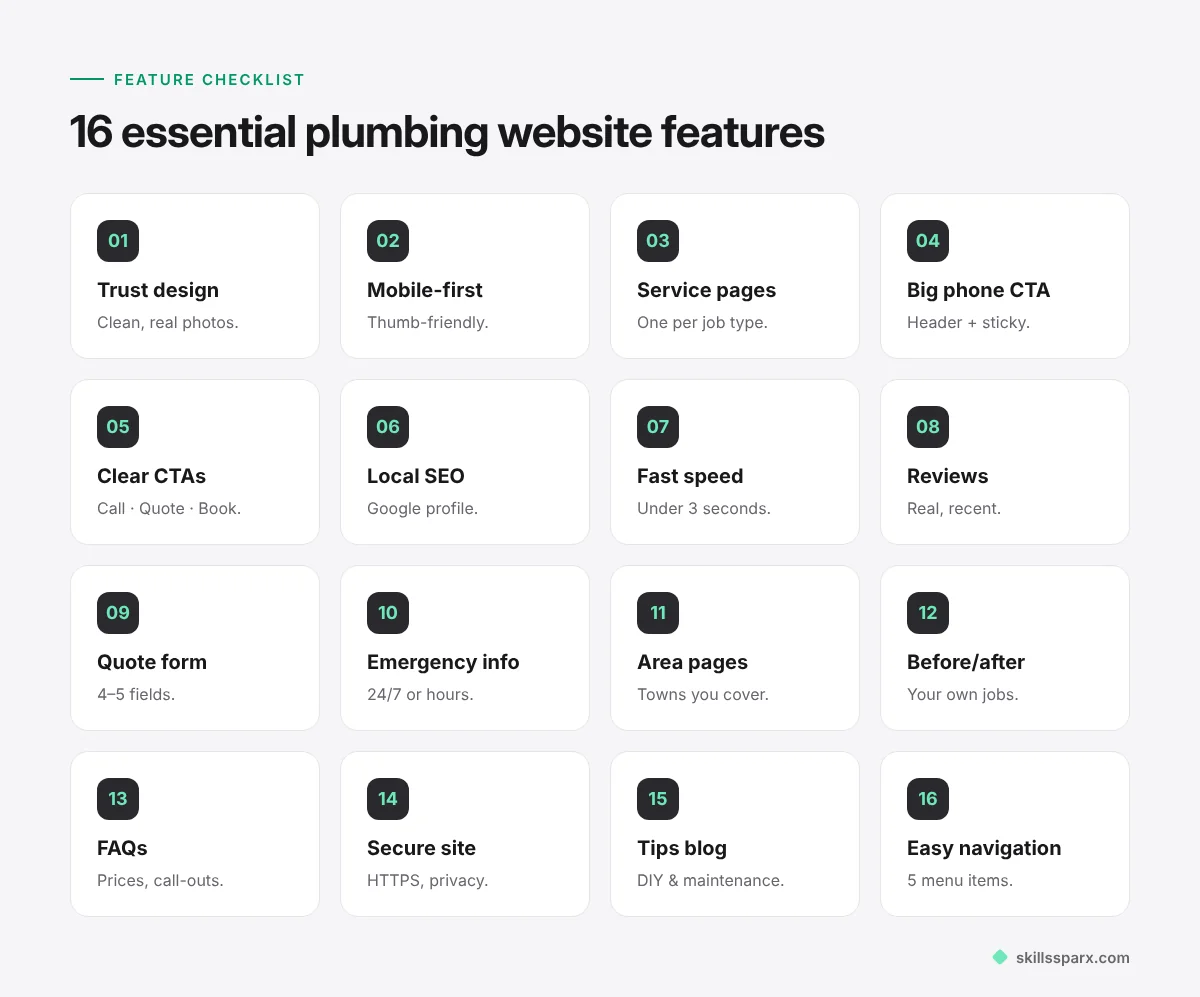
1. Professional, trustworthy design
Clean layout, your logo, real photos of your team and van, and no clutter. People let plumbers into their homes, so looking trustworthy matters.
2. Mobile-friendly layout
Most plumbing searches happen on phones, often in a hurry. Everything should work perfectly with one thumb.
3. Clear service pages
Leak repairs, blocked drains, geyser and water heater installation, bathroom fitting, pipe replacement, water tank cleaning, pump installation. One page per service ranks better and answers specific questions.
4. A prominent phone number
Put a tap-to-call number in the header on every page, plus a sticky call button on mobile. If people can’t find it in three seconds, they’ll call someone else.
5. Strong calls to action
“Call now”, “Get a free quote”, “Book a plumber”. One clear action per section, in a colour that stands out.
6. Local SEO
A complete Google Business Profile, consistent name, address and phone everywhere and regular reviews are what get you into the map results. Our local SEO guide explains how.
7. Fast loading speed
Someone with water on the floor won’t wait for a slow page. Aim for under three seconds on mobile data.
8. Customer reviews
Recent, genuine reviews, ideally mentioning the job and area, reassure people that you turn up and do good work.
9. A quick quote form
Name, phone, area, problem and a photo upload option. Four or five fields is plenty.
10. Emergency information
If you offer 24/7 or same-day service, say so clearly, with your call-out policy. If you don’t, show your hours so people aren’t disappointed.
11. Service area pages
List the towns and neighbourhoods you cover, with a page for your main areas featuring local jobs and reviews. Avoid copying the same text with only the city name changed.
12. Before-and-after photos
Photos of your own work, like a repaired leak, a new bathroom or a cleaned tank, prove your quality better than any description.
13. An FAQ section
Call-out charges, how quickly you can arrive, whether you provide parts, guarantees and payment methods. Answering these upfront builds trust.
14. Security and privacy
HTTPS, a secure quote form and a short privacy policy. Customers share their addresses with you.
15. A helpful blog
Short guides like “How to stop a leaking tap”, “Why does my geyser make noise?” or “Signs of a hidden leak” attract searches and show expertise.
16. Easy navigation
Keep the menu to about five items: Services, Areas, About, Reviews, Contact. People should never get lost.
Common plumbing website mistakes
- Phone number only on the Contact page
- One “Services” page with a short list
- Stock photos of smiling models in overalls
- No mention of which areas you cover
- Slow pages because of large images or videos
- Opening hours on the site that don’t match Google
Getting your plumbing website built
Start with your list of services, the areas you cover, your best job photos and your most common customer questions. Build around a call-first homepage and individual service pages, then set up your Google Business Profile and ask happy customers for reviews. Our guide to website design and development walks through the process. If drain cleaning is your main service, see our guide to website design for drain cleaning companies.
Plumbing Website Content: What to Write on Each Page
Design gets attention, but the content is what turns visitors into calls. A plumbing website should include:
- Homepage: what you do, where you work, your phone number and an emergency message above the fold
- One page per service: drain cleaning, leak repair, water heaters and so on, each explaining the problem, how you fix it and a price guide
- Service area pages: one for each main town or district you cover, with real local details
- Emergency page: response times, availability and a tap-to-call button
- Reviews and project photos from real jobs
- FAQs and short blog posts answering common questions like “why is my drain slow?”
For similar trades, see our guides to drain cleaning website design and electrician websites, and learn how local SEO helps you rank in your service area.
Final thoughts
Plumbing website design is simple at heart: be easy to find, look trustworthy and make calling instant. Get those right with clear service and area pages, a big phone button, real reviews and a fast mobile site, and your website will keep the jobs coming in.
Want a plumbing website that rings your phone? See our website services, browse our portfolio, or contact SkillsSparx.
Frequently asked questions
Why does a plumbing business need a professional website?
Most people search online when they need a plumber, often urgently. A professional website helps you appear in local searches, shows you are trustworthy and makes it easy for customers to call or request a quote.
What should a plumbing website include?
A tap-to-call phone number on every page, service pages, service area pages, emergency information, a short quote form, reviews, before-and-after photos, FAQs, a fast mobile-friendly design and HTTPS security.
How does local SEO help plumbers?
Local SEO helps you appear in Google Maps and local results for searches like “plumber near me”. A complete Google Business Profile, consistent contact details, reviews and area pages all help.
Should a plumbing website show prices?
Showing call-out charges or starting prices for common jobs builds trust and reduces time-wasting calls. Explain that final prices depend on the job after inspection.
How fast should a plumbing website load?
Aim for under three seconds on a mobile connection. Compress images, avoid autoplay videos and heavy sliders, and use reliable hosting.
Do plumbers need a blog?
A blog is optional but helpful. Short guides on common problems attract local searches, show expertise and give customers a reason to remember your name.

Discussion