Introduction
WordPress is one of the most widely used platforms for creating business websites. With the right planning, design, and optimization, wordpress website development can help businesses build a professional online presence and connect with their target customers.
Whether you need a simple business website, an eCommerce store, or a website with custom functionality, WordPress website development provides flexible options for businesses of different sizes and industries.
In this guide, we will cover the key steps, benefits, costs, and best practices involved in developing a WordPress website for a business.
1. What Is WordPress Website Development?
WordPress website development is the process of planning, designing, building, customizing, and maintaining a website using WordPress.
A typical WordPress development project can include:
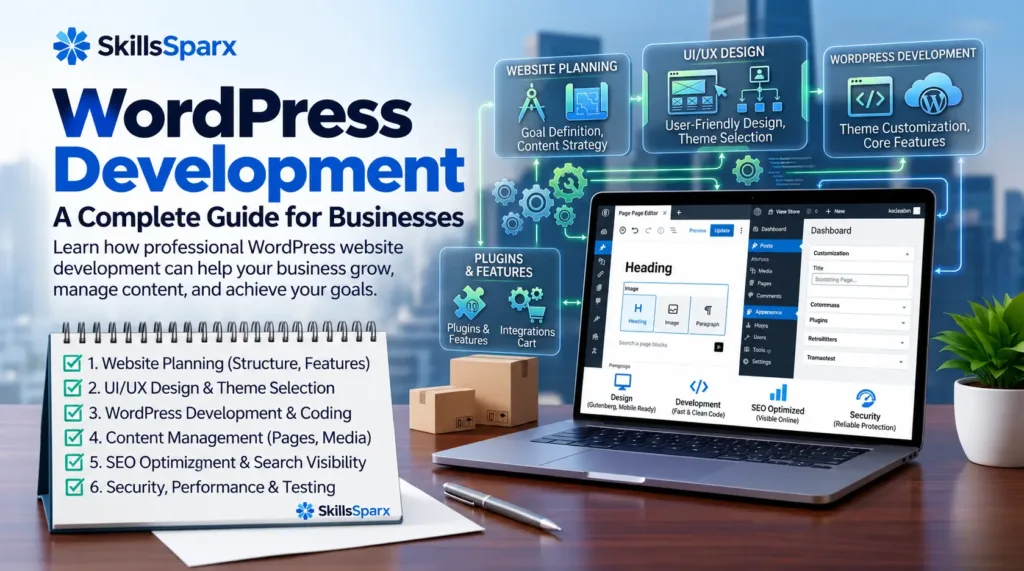
- Website planning and structure
- UI and website design
- WordPress installation and configuration
- Theme customization
- Plugin installation and configuration
- Content setup
- Mobile optimization
- SEO setup
- Security and performance optimization
The exact development process depends on the type of website and the business requirements.
2. Why Businesses Choose WordPress
WordPress can be a practical choice for businesses that need a flexible and manageable websit
2.1 Flexible Website Development
WordPress can be used to create different types of websites, including business websites, blogs, portfolios, and eCommerce stores.
2.2 Easy Content Management
Businesses can manage pages, blog posts, images, and other content through the WordPress dashboard without needing to edit code for every small change.
2.3 Large Plugin Ecosystem
WordPress has a large ecosystem of plugins that can add features such as forms, SEO tools, security, analytics, eCommerce functionality, and more.
2.4 Customization Options
Businesses can customize themes, layouts, functionality, and integrations according to their requirements.
3. The WordPress Website Development Process
A successful WordPress website development process starts with proper planning and clear business goals.
3.1 Business and Website Discovery
First, identify the business goals, target audience, services, competitors, and website requirements.
3.2 Website Planning and Structure
Plan the website structure and decide which pages are required.
Common business website pages include:
- Home
- About
- Services
- Work or Portfolio
- Blog
- Contact
3.3 Design and User Experience
Create a clean design that matches the business brand and makes it easy for visitors to find information.
Important design considerations include:
- Clear navigation
- Readable typography
- Consistent branding
- Strong calls to action
- Mobile-friendly layouts
3.4 WordPress Development
After planning and design, the website is built in WordPress. This may include theme customization, plugin configuration, page creation, and custom functionality.
3.5 Content Implementation
Add the website’s text, images, videos, services, products, and other required content.
3.6 Testing and Optimization
Before launch, test the website on different devices and browsers.
Check:
- Forms
- Navigation
- Buttons
- Links
- Mobile responsiveness
- Website speed
- Basic SEO
- Security
3.7 Launch and Maintenance
After testing, the website can be launched. Regular updates, backups, security checks, and content updates can help keep the website healthy.
4. Types of WordPress Websites for Businesses
WordPress can support different business website requirements.
4.1 Business Websites
A business website can present services, company information, projects, testimonials, and contact details.
4.2 eCommerce Websites
With WooCommerce, WordPress can be used to build online stores with products, categories, payments, shipping, and order management.
4.3 Portfolio Websites
Professionals and agencies can use WordPress to showcase their projects, skills, services, and previous work.
You can also explore our web development portfolio to see examples of completed website projects.
4.4 Blog and Content Websites
Businesses can use blogs to publish useful content, answer customer questions, and support their SEO strategy.
5. Important Features of a Business WordPress Website
A professional business website should provide a useful experience for visitors.
5.1 Responsive Design
The website should work properly on desktops, tablets, and smartphones.
5.2 Clear Navigation
Visitors should be able to find important pages quickly.
5.3 Contact and Lead Forms
Contact forms can make it easier for potential customers to request information or contact the business.
Businesses can explore our web development services to build a professional WordPress website tailored to their needs.
5.4 SEO-Friendly Structure
A good website structure can make it easier for search engines to understand and crawl the website.
5.5 Security
Keep WordPress, themes, and plugins updated and use appropriate security measures to protect the website.
5.6 Website Performance
Fast-loading pages can provide a better user experience and support overall website performance.
6. How to Choose the Right WordPress Website Development Service
Choosing the right WordPress website development service is important for building a website that supports your business goals. Before hiring a developer or development company, consider their experience, portfolio, customization options, and ongoing support.
6.1 Check Their WordPress Experience
Choose a developer or company with experience in WordPress website development. Check whether they have worked on websites similar to your business and understand WordPress themes, plugins, responsive design, and website performance.
6.2 Review Their Portfolio
A portfolio can help you understand the quality and style of previous projects. Look for websites that are professional, mobile-friendly, easy to navigate, and relevant to your industry.
6.3 Ask About Customization
Every business has different requirements. Ask whether the development service can customize the website according to your branding, features, layout, and business needs instead of relying only on pre-built designs.
6.4 Consider SEO, Security, and Maintenance
A professional WordPress website should also consider SEO, security, speed, backups, and regular updates. Ask the development service whether these areas are included or available as part of ongoing website maintenance.
6.5 Final Tip
Before choosing a WordPress website development service, compare experience, portfolio, features, pricing, and support. The right development partner can help you create a website that is professional, secure, user-friendly, and ready to grow with your business.
7. WordPress Website Development Cost
The cost of WordPress website development depends on the project’s requirements.
Factors that can affect the cost include:
- Number of pages
- Design requirements
- Theme and plugins
- Custom functionality
- eCommerce features
- Third-party integrations
- Content requirements
- SEO requirements
- Maintenance needs
A simple business website usually requires less development work than a complex eCommerce or custom WordPress project.
If you need help planning your WordPress project, you can contact our team to discuss your requirements.
8. WordPress Website Development Best Practices
Following good development practices can help create a more reliable website.
8.1 Use a Clean Website Structure
Organize pages and content logically so both users and search engines can understand the website.
8.2 Use Reliable Themes and Plugins
Choose reputable themes and plugins and avoid unnecessary plugins that can add complexity to the website.
For businesses that need custom functionality, custom plugins can add features designed around specific website requirements.
8.3 Optimize Images
Compress images and use appropriate image formats to help improve page loading performance.
8.4 Keep Everything Updated
Regularly update WordPress, themes, and plugins to help maintain security and compatibility.
8.5 Create Regular Backups
Maintain reliable backups so the website can be restored if something goes wrong.
9. WordPress Website Development and SEO
SEO should be considered during website development rather than added only after the website is finished.
Important areas include:
- SEO-friendly URLs
- Page titles
- Meta descriptions
- Heading structure
- Image ALT text
- Internal linking
- Mobile responsiveness
- Website speed
- XML sitemap
- Technical SEO
A well-structured website provides a stronger foundation for future SEO work.
10. Common WordPress Development Mistakes to Avoid
10.1 Installing Too Many Plugins
Using unnecessary plugins can make website management more complicated and may affect performance.
10.2 Ignoring Mobile Users
A website that works poorly on mobile devices can create a bad user experience.
10.3 Using Poor-Quality Themes or Plugins
Choose reliable tools and keep them updated.
10.4 Ignoring Website Security
Security should be considered throughout the development and maintenance process.
10.5 Launching Without Testing
Always test important features before making the website live.
11. Conclusion
WordPress website development can provide businesses with a flexible platform for building a professional online presence. From simple business websites to eCommerce stores and custom solutions, WordPress can support different types of business requirements.
The key is to focus on proper planning, clean development, responsive design, useful content, SEO, security, and ongoing maintenance.
Learn more about SkillsSparx and our approach to creating professional websites for businesses.
With a well-planned development process, businesses can create a WordPress website that provides a better experience for visitors and supports long-term online growth.
At SkillsSparx, businesses can get professional website solutions designed to support their long-term online growth.
Frequently Asked Questions
Q1. What is WordPress website development?
WordPress website development is the process of planning, designing, building, customizing, and maintaining a website using WordPress.
Q2. Is WordPress good for business websites?
Yes. WordPress can be used to create business websites, blogs, portfolios, eCommerce stores, and websites with custom functionality.
Q3. How much does WordPress website development cost?
The cost depends on factors such as design, number of pages, features, custom functionality, integrations, and maintenance requirements.
Q4. Can WordPress websites be optimized for SEO?
Yes. WordPress websites can be optimized using proper site structure, SEO-friendly URLs, headings, metadata, internal links, image optimization, and technical SEO practices.
Q5. Does a WordPress website need regular maintenance?
Yes. Regular updates, backups, security checks, performance optimization, and content updates can help keep a WordPress website secure and functional.